
Download XON App Free for Android
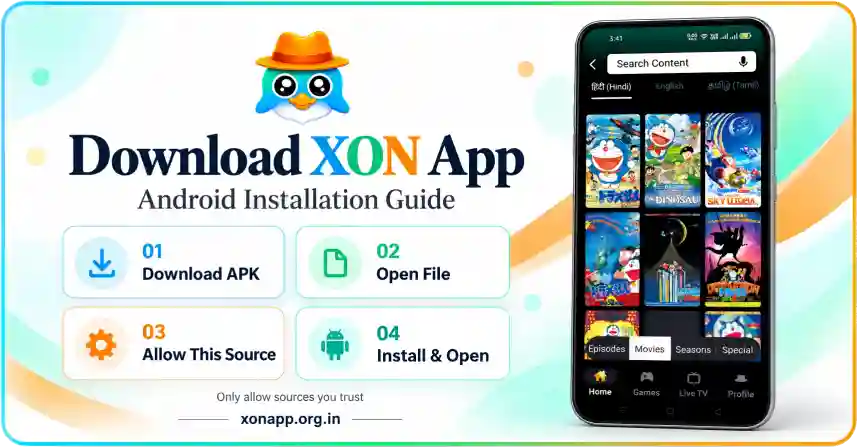
Download the Android package and follow the installation steps. Once installed, open the xon app to browse cartoon movies, anime seasons, and language sections.
Download APK- Download File
Tap the download button and wait for the APK to finish saving.
- Open APK
Find the saved file in Downloads and tap it to begin setup.
- Review Permission
If prompted, allow installation from this source only if you trust it.
- Install & Open
Tap Install, wait for setup to finish, then open the app.
Download XON App
XON APK brings cartoon and anime browsing, language categories, and games into one Android interface. Explore Hindi, English, Tamil, and Telugu sections, then switch between Episodes, Movies, Seasons, and Special content. The supplied package is version 26 and requires Android 7.0 or later. Its download size is approximately 271 MB, so leave extra space for installation and saved videos. The app also includes account options, download settings, and a separate VIP membership. Some controls, including automatic playback of the next episode, require VIP access. Before installing, check the file details and its source. After setup, you can log in or create an account.
XON App Download for Android
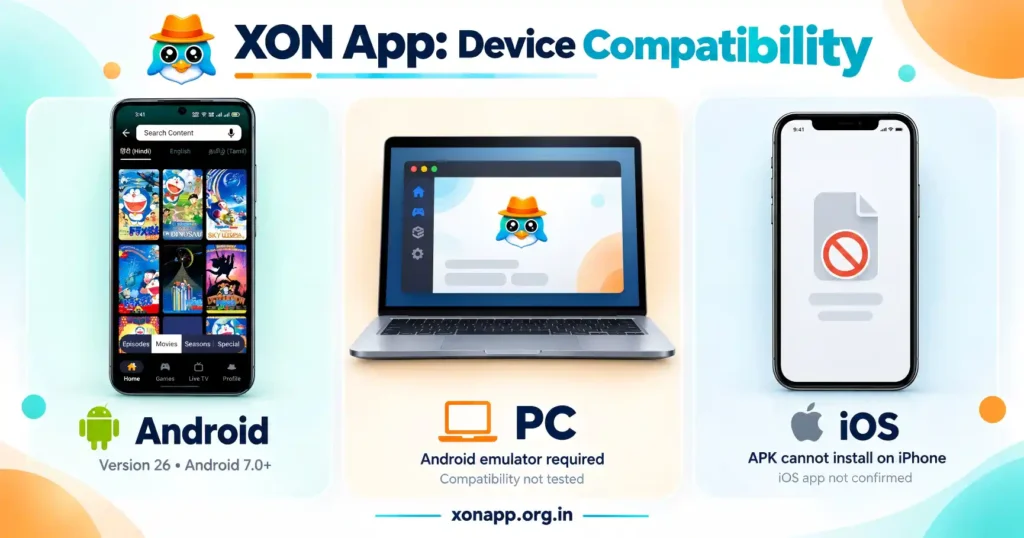
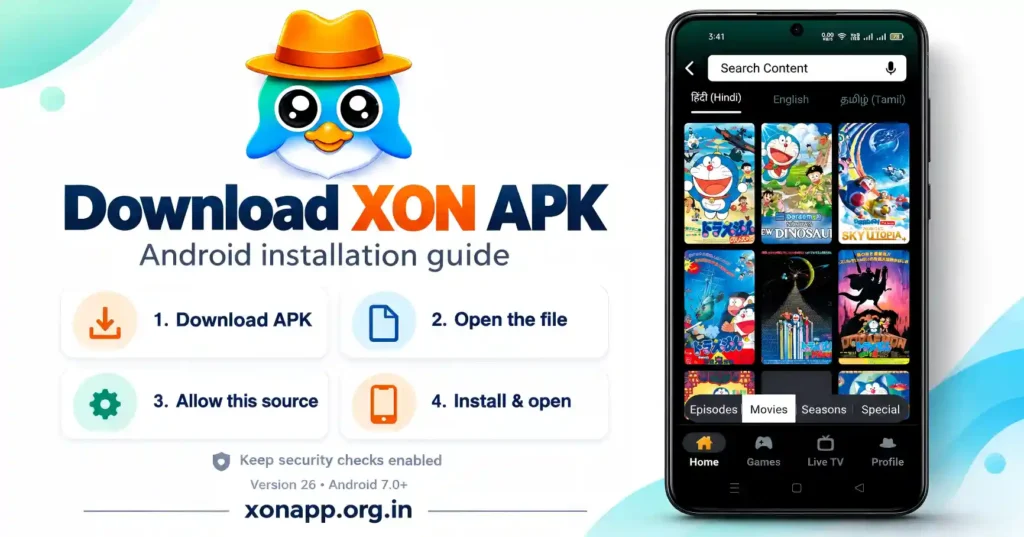
The reviewed version 26 package requires Android 7.0 or later. Download the APK, wait for it to finish, and open it through your browser or file manager. Allow installation from that source only when needed, then follow the Android prompts. After opening the app, log in or create an account. The catalog may take a little time to load. Also, check the Wi-Fi-only streaming and download settings before using mobile data.
XON App for iOS
The supplied Android APK cannot be installed on an iPhone or iPad. To access the service on iOS, you would need a separate supported iOS app or web version, neither of which the supplied files confirm. Check the developer’s platform information before downloading anything. The “App Store” wording inside Settings does not confirm an Apple release. Renaming the APK or installing an unrelated profile will not make it work.
XON Application for PC
You can try the XON App for PC through an Android emulator. Install an emulator from its developer’s website and choose an Android environment that meets the package requirements. Then use its APK installation option to open the downloaded file. If installation succeeds, launch the app and follow the account prompts. Computer compatibility and video playback have not been tested. Also, leave enough memory and storage for both the emulator and the application.